A wedding website is the modern heart of your wedding communication – all info in one place, automatic RSVP tracking, and a personal design that reflects who you are. The best part: With Weddy, you can create yours in just 15 minutes!
In this guide, we'll show you step by step how to create your perfect wedding website – from registration to publishing.
Wedding Checklist 2026
Month-by-month to-dos at a glance – from venue search to the big day!
Why a Wedding Website?
Benefits for You
- Everything in one place: Info, RSVP, photos, gift registry
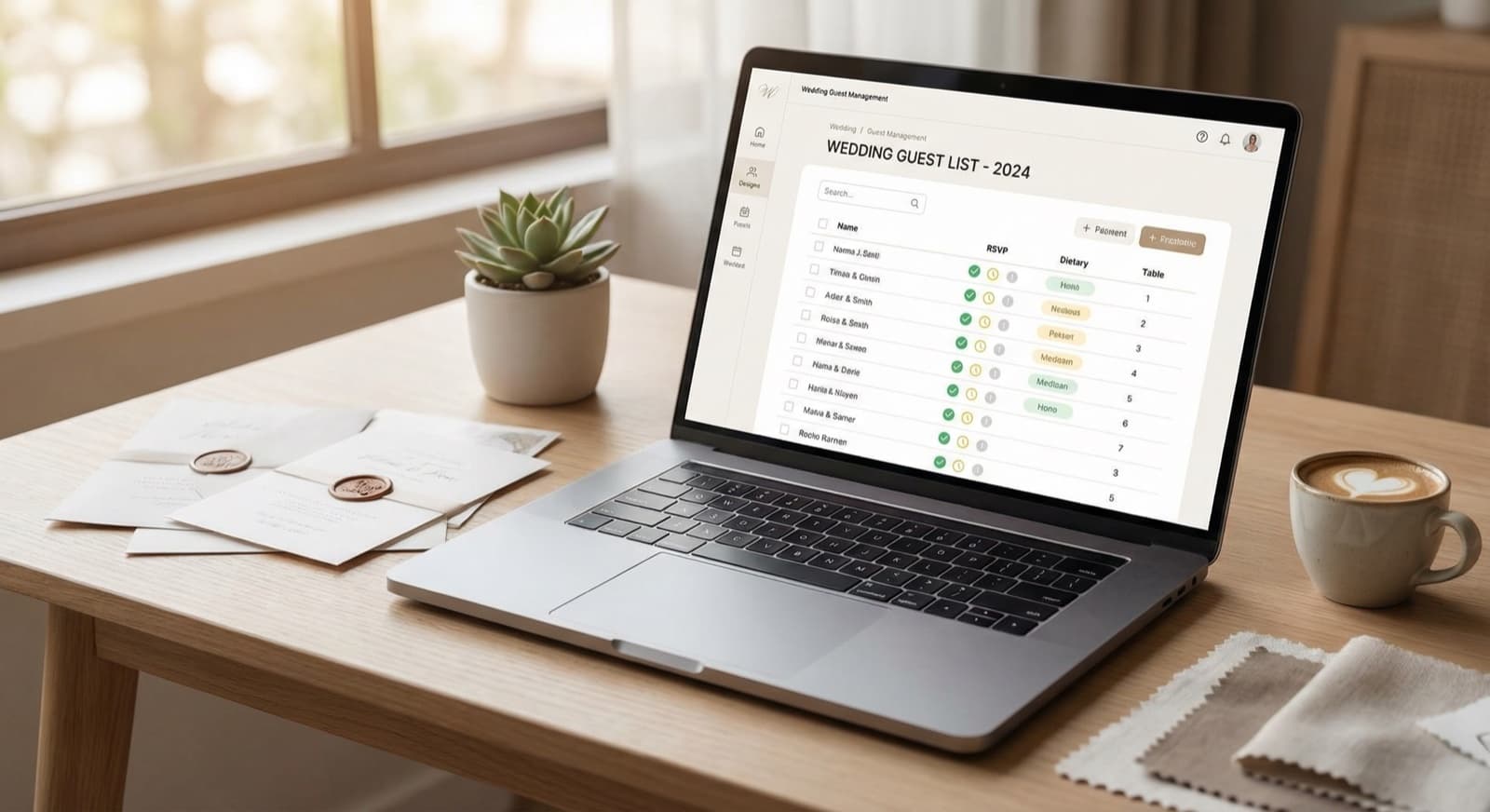
- Automation: RSVPs collected and organized automatically
- Easy updates: Changes visible to everyone instantly
- Fewer questions: Guests find all info themselves
- Eco-friendly: Fewer printed invitations needed
Benefits for Your Guests
- 24/7 access: Information available anytime, anywhere
- Mobile-optimized: Perfect viewing on smartphones
- Easy RSVP: Done in seconds, no forms to mail
- Always current: No outdated information
Zeitplanung
Start your website early – ideally 6-8 months before the wedding. This way, you can reference it in your save-the-dates.
Step 1: Create Your Account & Website
Register with Weddy
- Go to weddysuite.com
- Create an account (email or Google)
- Set up your first wedding
Enter Basic Information
- Your names
- Wedding date
- Location (general area)
- Choose your URL (e.g., anna-and-max.weddysuite.com)
Done! Your website is created. Now let's design it.
Step 2: Choose Your Design
Select a Color Scheme
Weddy offers pre-made color palettes you can apply with one click:
- Classic (white, gold, rosé)
- Modern (black, white, accent color)
- Natural (green tones, earth colors)
- Colorful (vibrant, bold colors)
Define Custom Colors
You can also enter your exact wedding colors – matching your overall theme and stationery.
Choose Fonts
Select from different font styles:
- Elegant & classic
- Modern & clean
- Playful & romantic
Tipp
You can adjust the design anytime. Feel free to experiment and find what suits your style.
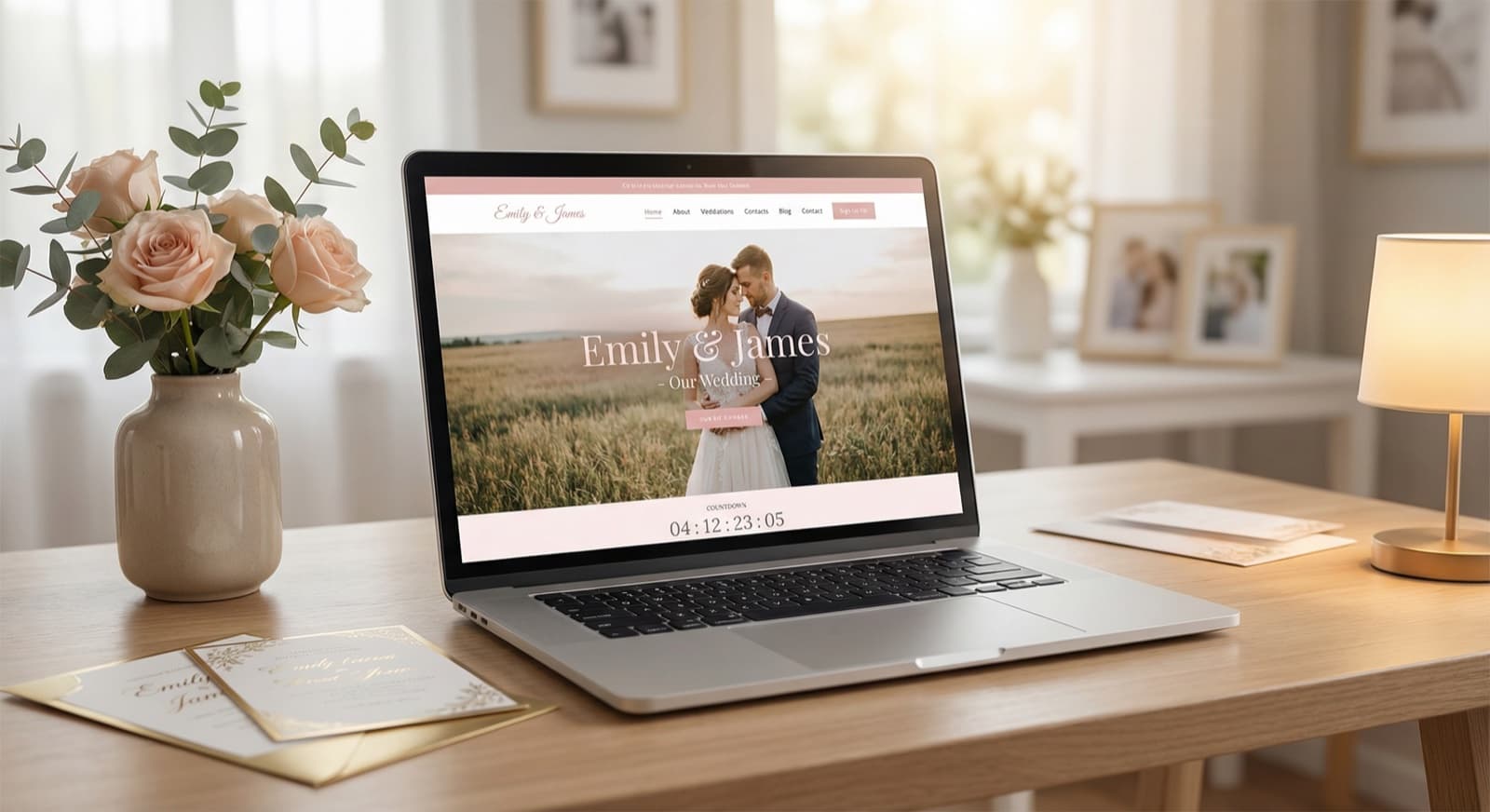
Step 3: Design the Hero Section
The hero is the first thing guests see – make it memorable!
Upload a Cover Photo
- Use a photo of you two (engagement shoot, vacation pic)
- Ideal: Landscape orientation, high resolution
- Tip: Choose an image with a calm background so text stays readable
Headline and Text
- Your names
- The date
- A personal message (optional)
Example: "Anna & Max – We're Getting Married! September 15, 2026"
Step 4: Add Sections
Recommended Sections
Our Story Share how you met and your journey to "I do." Guests love reading this!
Schedule / Timeline What happens when on the wedding day?
- Ceremony (location, time)
- Cocktail hour
- Dinner
- Party and dancing
Location Where is the wedding?
- Full address
- Directions and parking info
- Embedded map (automatically integrated)
Accommodations Hotel recommendations for out-of-town guests:
- Hotel name and address
- Room rates
- Room block code (if available)
- Direct booking links
RSVP The digital response form – the heart of your site!
Gifts / Registry Wish list, registry links, or note about monetary gifts.
FAQ Answer common questions upfront:
- Dress code?
- Children welcome?
- Bring or ship gifts?
- Parking options?
Arrange Sections
Drag and drop to change the order. Typical structure:
- Hero
- Our Story
- Schedule
- Location
- Accommodations
- RSVP
- Gifts
- FAQ
Step 5: Set Up RSVP
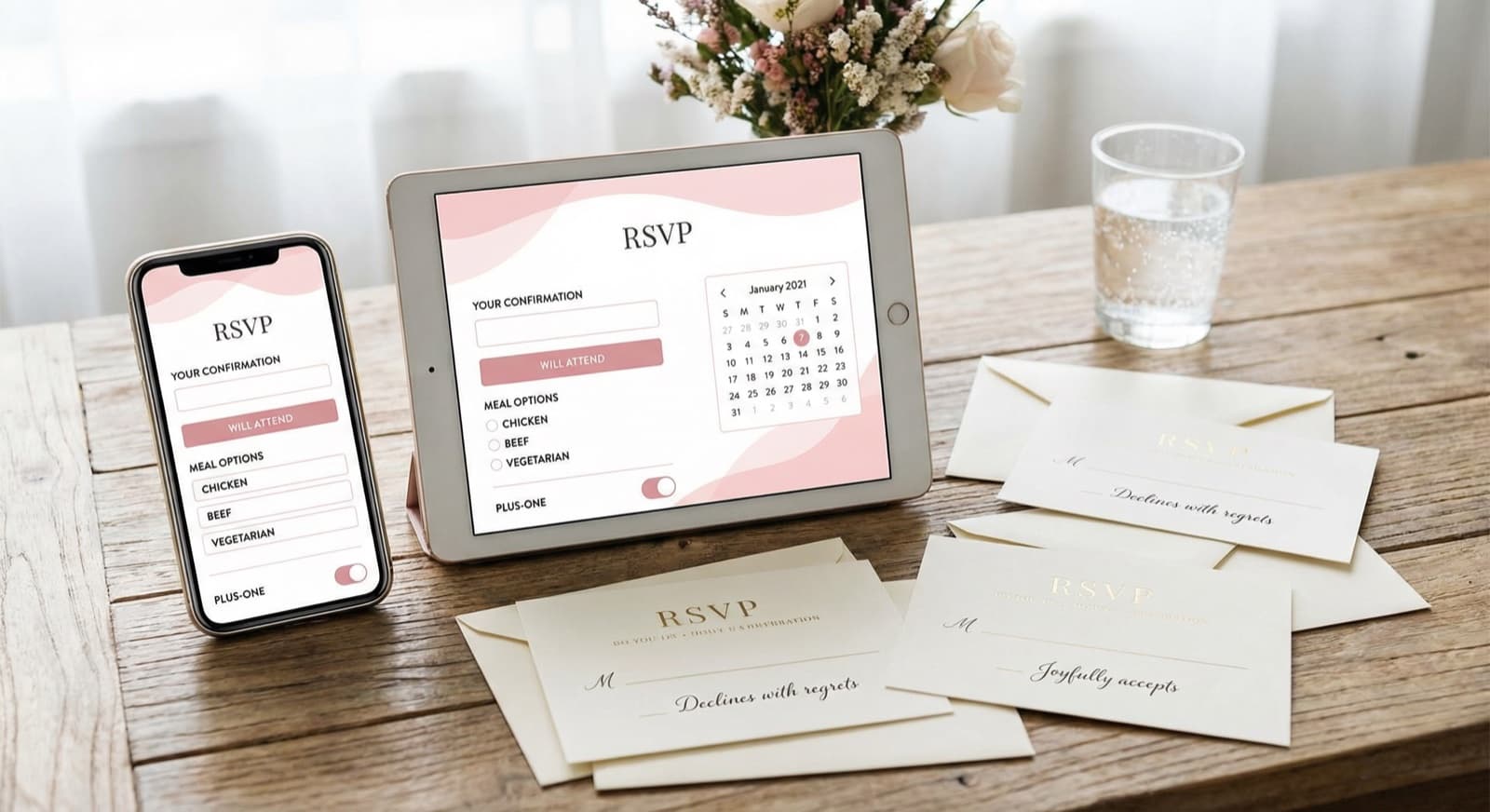
Configure RSVP Fields
Decide what guests should specify:
- ✅ Accept/Decline (required)
- ❓ Menu choice (optional)
- ❓ Allergies/dietary restrictions (optional)
- ❓ Plus-one details (optional)
- ❓ Comments (optional)
Set a Deadline
Choose a date by which responses are due (recommended: 3-4 weeks before the wedding).
Confirmation Email
Guests automatically receive confirmation of their response.
Profi-Tipp
Keep the RSVP form short! Fewer fields = higher response rate. Learn more in our RSVP System Guide.
Step 6: Final Touches & Publish
Preview Check
- Desktop view looks great?
- Mobile view (critically important!)
- All links working?
- Text error-free?
Password Protection (Optional)
Should the website only be visible to invited guests? Enable password protection and share the password in your invitations.
Publish
With one click, your website is live! 🎉
Step 7: Share Your Website
Mention in Invitations
Include the URL in your save-the-dates and invitations: "All info & RSVP at: anna-and-max.weddysuite.com"
Use the QR Code
Weddy automatically generates a QR code – perfect for printed invitations and programs.
Share via Message
Send the link via WhatsApp, email, or text to your guests.
Pro Tips
Tip 1: Update Regularly
Add new info as it's confirmed (dress code, transportation, day-of details).
Tip 2: Get Feedback
Have your wedding party or family test the site before you publish widely.
Tip 3: Think Multilingual
Have international guests? Weddy supports multiple languages.
Tip 4: Update Photos After
After the wedding, add wedding photos to the site – a digital keepsake for everyone.
Frequently Asked Questions About Wedding Websites
Frequently Asked Questions
Conclusion
A wedding website with Weddy takes just minutes to create and makes life much easier for you and your guests. From invitation to keepsake – everything in one beautiful, organized place.
So what are you waiting for? Create your website now and start your wedding planning stress-free!
Related Articles:
Your Own Wedding Website
Create an elegant website for your wedding in minutes – with all the important info for your guests.